Every coding agent. One native Mac window.
Run Claude Code, Codex, Gemini CLI and five more side by side, with a code editor, Source Control and live usage limits built in.
macOS 15+ · Apple Silicon & Intel · Signed & notarized · 14-day free trial
Projects
- Vibe Console
- Pixel Forge
- Nebula Notes
- Atlas API
Files
- src
- app
- layout.tsx
- page.tsx
- components
- lib
- utils.ts
Five terminal windows, a separate editor, a git client and a usage tab. Or one window.
- Five terminal windowsUp to 10 terminals per project, in tabs or a grid
- A separate editorA tabbed code editor next to your agents
- A git clientSource Control: diffs, commits, branches, stashes
- A usage tab in the browserClaude Code and Codex limits in the notch
Eight agent CLIs. One Start button.
Pick an agent, press Start. Each terminal can run a different one, so Claude Code can build while Codex reviews.
Works with the CLIs you already use
 Claude Code
 Codex
Codex Grok Build
 Gemini CLI
 GitHub Copilot CLI
 Cursor CLI
 Qwen Code
 Kimi Code
You bring the CLIs and your own accounts. Vibe Console starts them, lays them out and keeps them per project.
Up to 10 terminals per project
In tabs, or in a grid up to 3×3. Pick a layout.
Claude CodeCodexGrok BuildGemini CLIGitHub Copilot CLICursor CLIQwen CodeKimi CodeRun a whole team of agents.
Talk to one manager agent. It writes the brief, splits the work into tasks and hands them to a tech lead, engineers, a designer and QA, each in its own git worktree. Watch it on a live org chart, then review every change before it lands.
Claude Code
Manager
ModelOpus 5.5
AdvisorOff
Idle
Codex CLI
Tech Lead
ModelGPT-6-Sol
Reviewing #2 · Build the payments API
Claude Code
Designer
ModelOpus 5.5
AdvisorOff
Idle
Claude Code
Engineer
ModelOpus 5.5
AdvisorOff
Waiting for review of #2
Codex CLI
Engineer
ModelGPT-6-Sol
Waiting for review of #3
Claude Code
QA
ModelOpus 5.5
AdvisorOff
On #4 · Write checkout tests
Tasks
#1 Plan the checkout flow
Done· tech-lead
#2 Build the payments API
In review· engineer-1
#3 Build the cart UI
In review· engineer-2
#4 Write checkout tests
Assigned· qa
#5 Polish empty states
Done· designer
Every seat runs any of the 8 agents:
- Claude
- Codex
- Grok
- Gemini
- Copilot
- Cursor
- Qwen
- Kimi
Everything around the agents, built in.
Read what they wrote, commit what you keep and see how much of your limit is left, without leaving the window.
A code editor next to your terminals
Tabs, syntax highlighting, folding, bracket matching and a git gutter. Images, PDFs and video open in a preview.
Usage limits in the notch
Claude Code and Codex usage rings in the notch and toolbar, with reset times and pace. Hover or tap the notch.
Source Control
Review diffs, stage and commit, fetch, pull and push. Manage branches and stashes, and see and remove worktrees.
Files you can hand to your agent
Browse, create, rename and trash files. Drag a file or image into a terminal to give it to the agent.
- Skills for Claude Code and Codex
- Saved Prompts, pasted in one click
- Eight themes, glass and your own colors
Your agents.
Your toolkit.
A curated selection of tools for leaner workflows, better interfaces and lasting memory. The app adds Security and Development categories, and you can add your own skill repositories.
Install only what you need. Your existing skills stay yours.
Skills


Keep the useful output. RTK trims noisy Git commands, searches and build logs before they reach your coding agent.
Explore RTKChoose a tool to see what it brings to your workflow.
How it compares.
Terminals, an editor and git usually come from different apps. Here is where each one stops.
| Feature | Vibe Console | Warp | iTerm2 | Ghostty | Termius |
|---|---|---|---|---|---|
| Native app, not Electron | Yes | Yes | Yes | Yes | Electron |
| Starts 8 agent CLIs from one picker | Yes | Runs them, no picker | No equivalent built-in feature found | No equivalent built-in feature found | No equivalent built-in feature found |
| Agent team: a manager hands tasks to other agents | Yes | Parallel agents | No equivalent built-in feature found | No equivalent built-in feature found | No equivalent built-in feature found |
| Terminal grids per project | Up to 3×3 | Split panes | Split panes | Split panes | Split view |
| Built-in code editor | Yes | Lightweight | No equivalent built-in feature found | No equivalent built-in feature found | No equivalent built-in feature found |
| Built-in Source Control | Yes | Diff review | No equivalent built-in feature found | No equivalent built-in feature found | No equivalent built-in feature found |
| Live Claude Code and Codex usage limits | Yes | No equivalent built-in feature found | No equivalent built-in feature found | No equivalent built-in feature found | No equivalent built-in feature found |
| Price | $29 once | Free + paid plans | Free | Free | Free + $10/mo Pro |
Based on each vendor's public documentation as of September 2026. A dash means we found no equivalent built-in feature. Features change often; corrections to support@vibeconsole.dev. Trademarks, including the agent names and logos on this page, belong to their owners; no affiliation implied.
Why you can trust Vibe Console
Native Swift
SwiftUI and AppKit, not Electron. Universal for Apple Silicon and Intel.
Signed and notarized
Notarized by Apple, so it opens with a double-click and no security warning.
No telemetry
No analytics, no tracking. The app doesn't watch what you do.
Stays on your Mac
The app never uploads your projects, files, prompts or settings.
7-day money-back
Not for you? Email us within 7 days for a full refund. Refund policy
Pay once. No subscription.
Try every feature free for 14 days. If you keep it, one $29 license covers up to 3 Macs, and your license never expires.
Your license key arrives by email; paste it in Settings, License. Prices in USD, payments handled by Polar.
Vibe Console License
One-time$29USD, once
- Use on up to 3 Macs
- All features included
- Keep every version released in your first year
- Signed & notarized native macOS app
- Email support
Covered by a 7-day money-back guarantee.
Guides for coding with agents
Practical setups for Claude Code, Codex and the other agent CLIs.
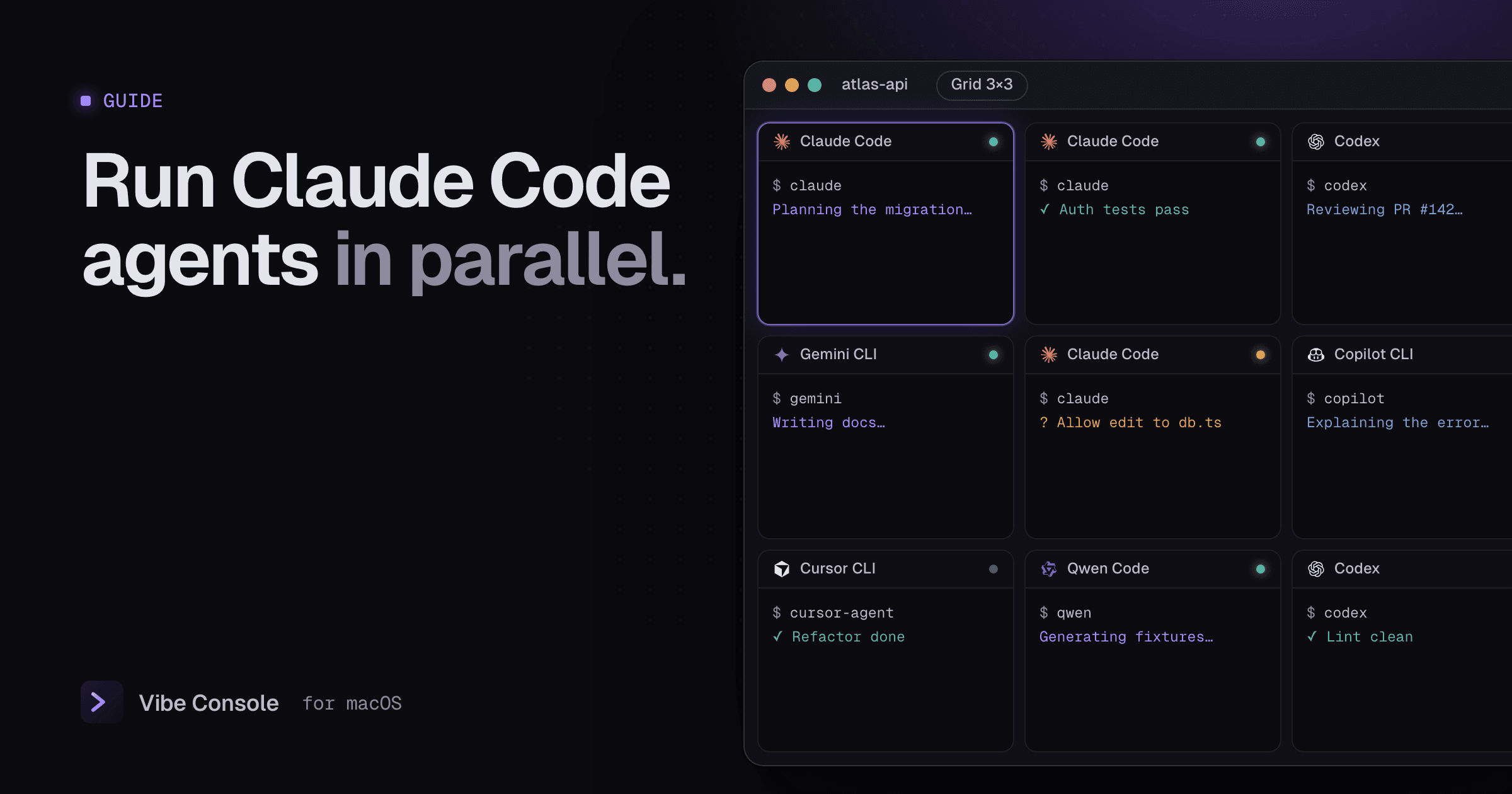
· 4 min read
How to Run Multiple Claude Code Agents in Parallel
A practical Mac setup for running several Claude Code, Codex or Gemini CLI agents at once without overwriting each other's work or burning your limits.
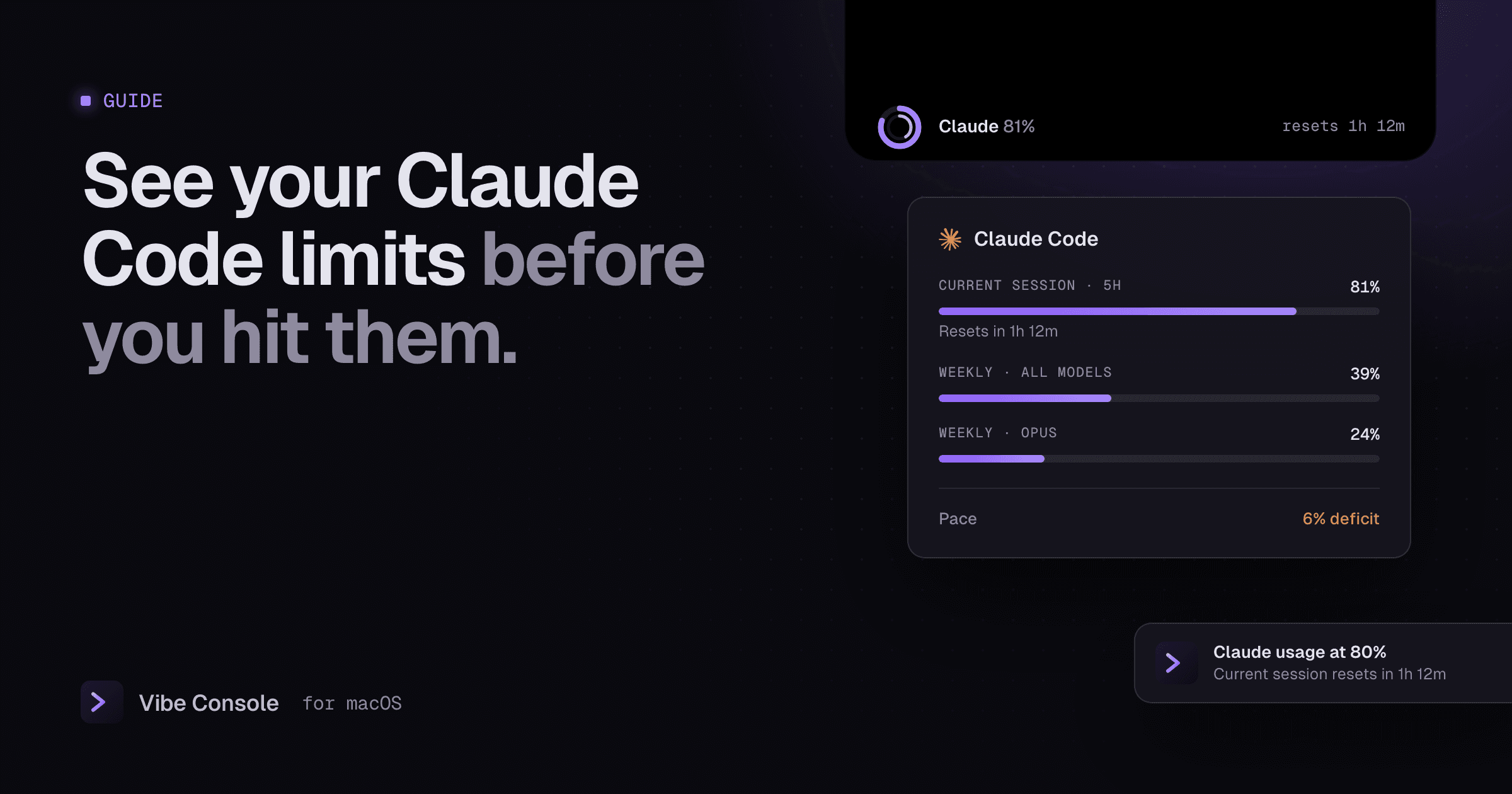
· 4 min read
Claude Code Usage Limits: Track Your 5-Hour and Weekly Limit
How Claude Code's 5-hour and weekly usage limits work, how to check what you have left, and how to see usage, reset time and pace on a Mac.
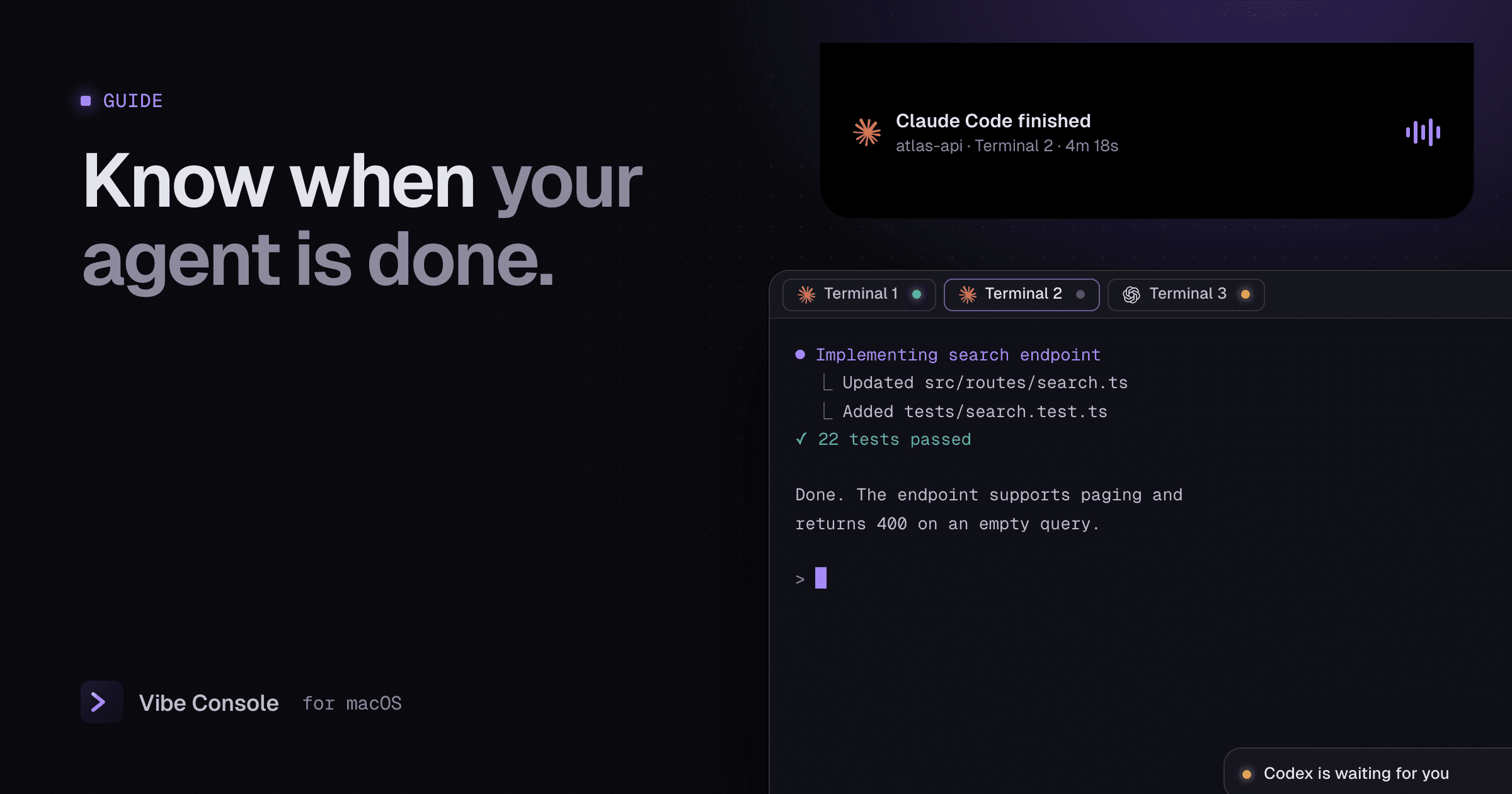
· 3 min read
Claude Code Notifications on Mac: Know When It's Done
Get a macOS notification when Claude Code or Codex finishes or needs your input: Claude Code hooks, Codex notify, or Vibe Console's built-in agent chimes.
Questions, answered.
Something else? Write to support@vibeconsole.dev.
Give your agents one window.
Free for 14 days. $29 once if you keep it.